You are here:
SKU: KJ4010X1-BA1 12P1867X012 Localbus Right Extender

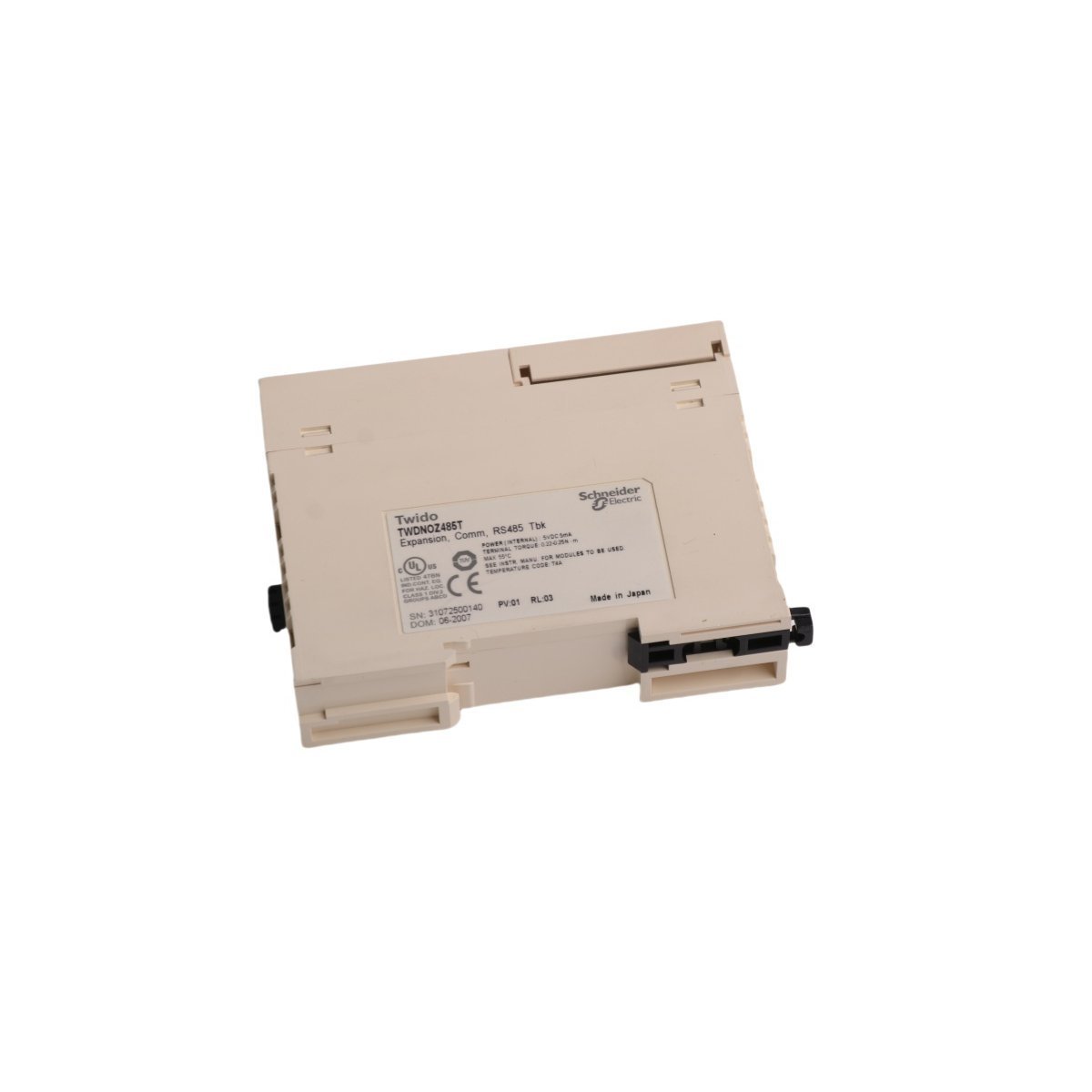
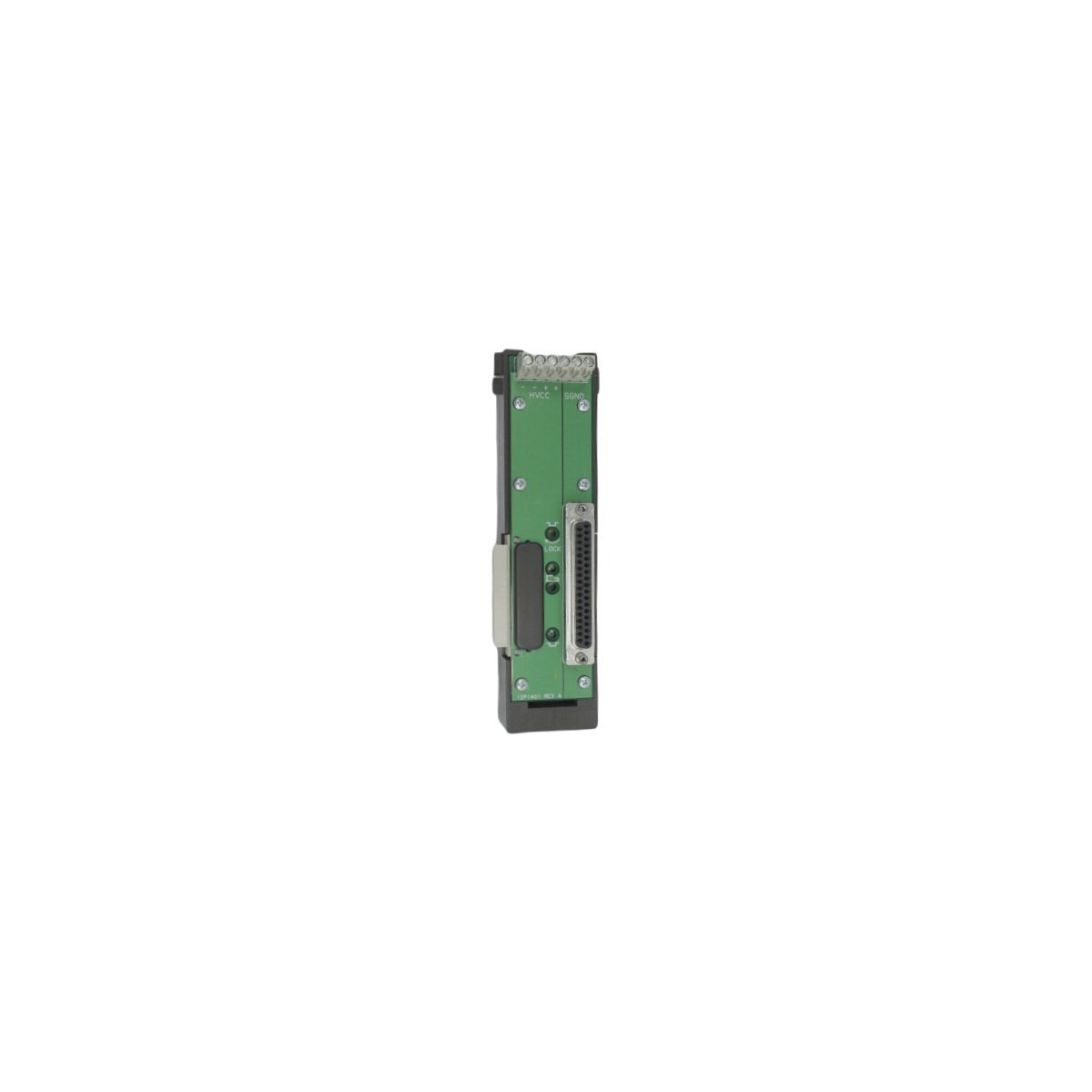
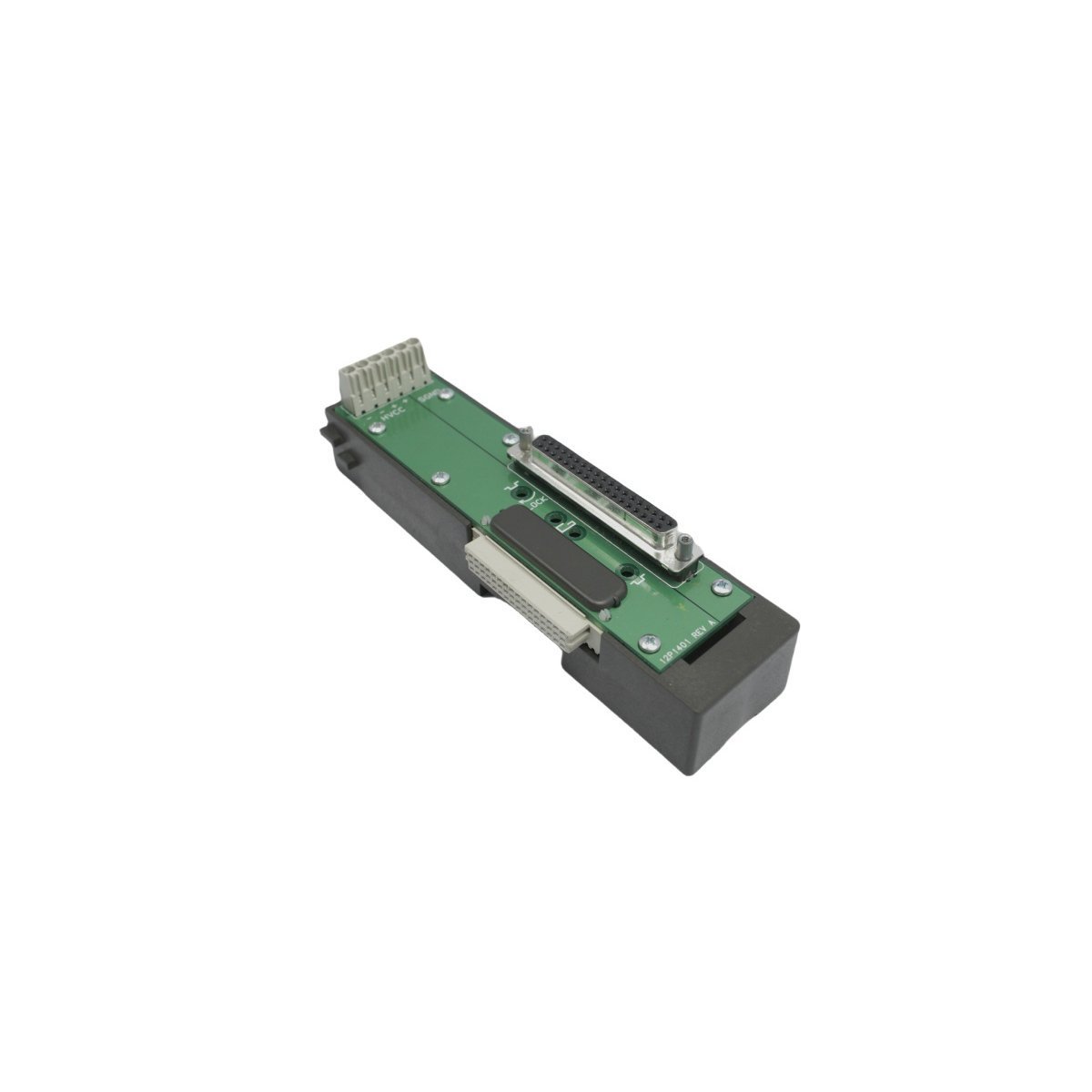
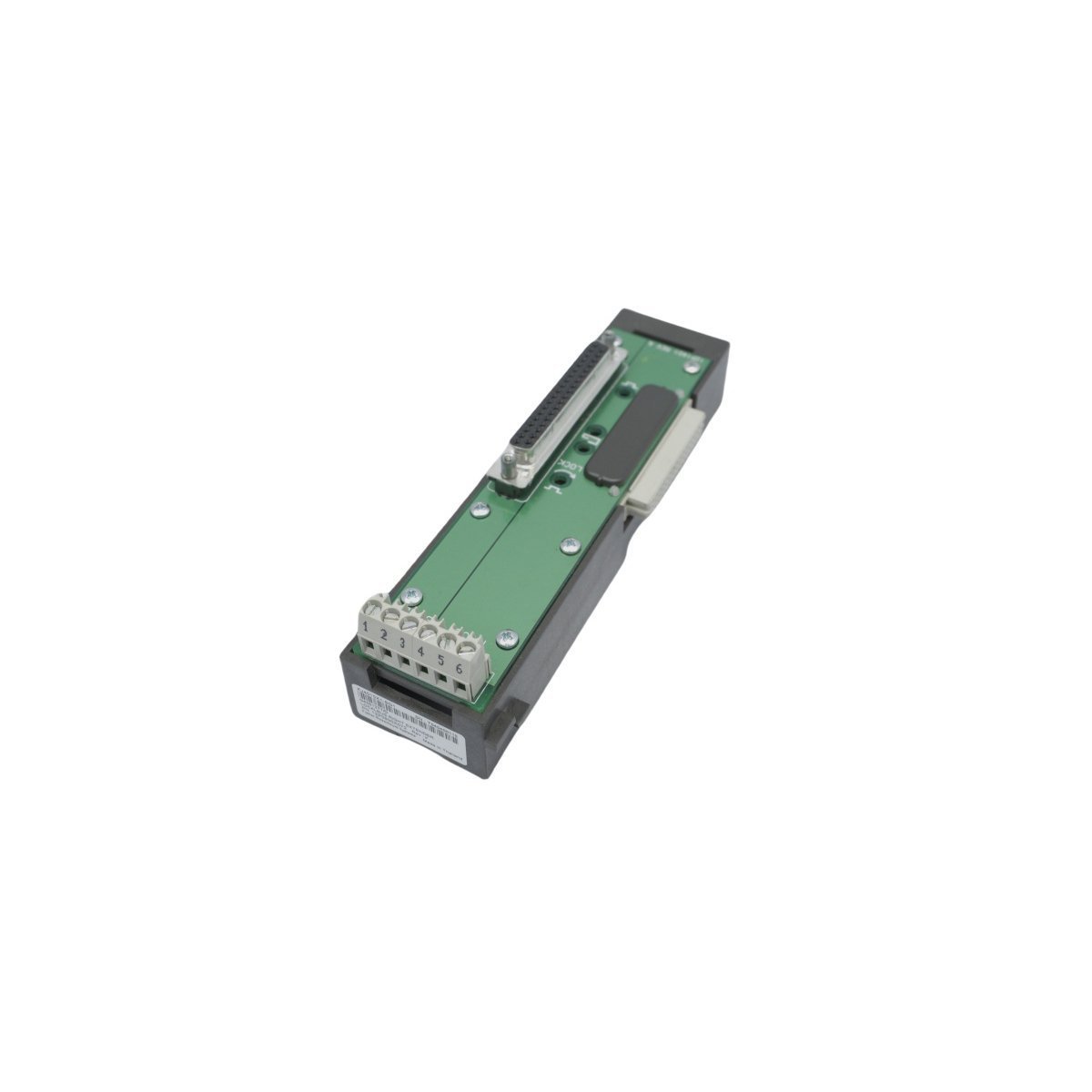
Emerson DeltaV KJ4010X1-BG1 Localbus Right Extender

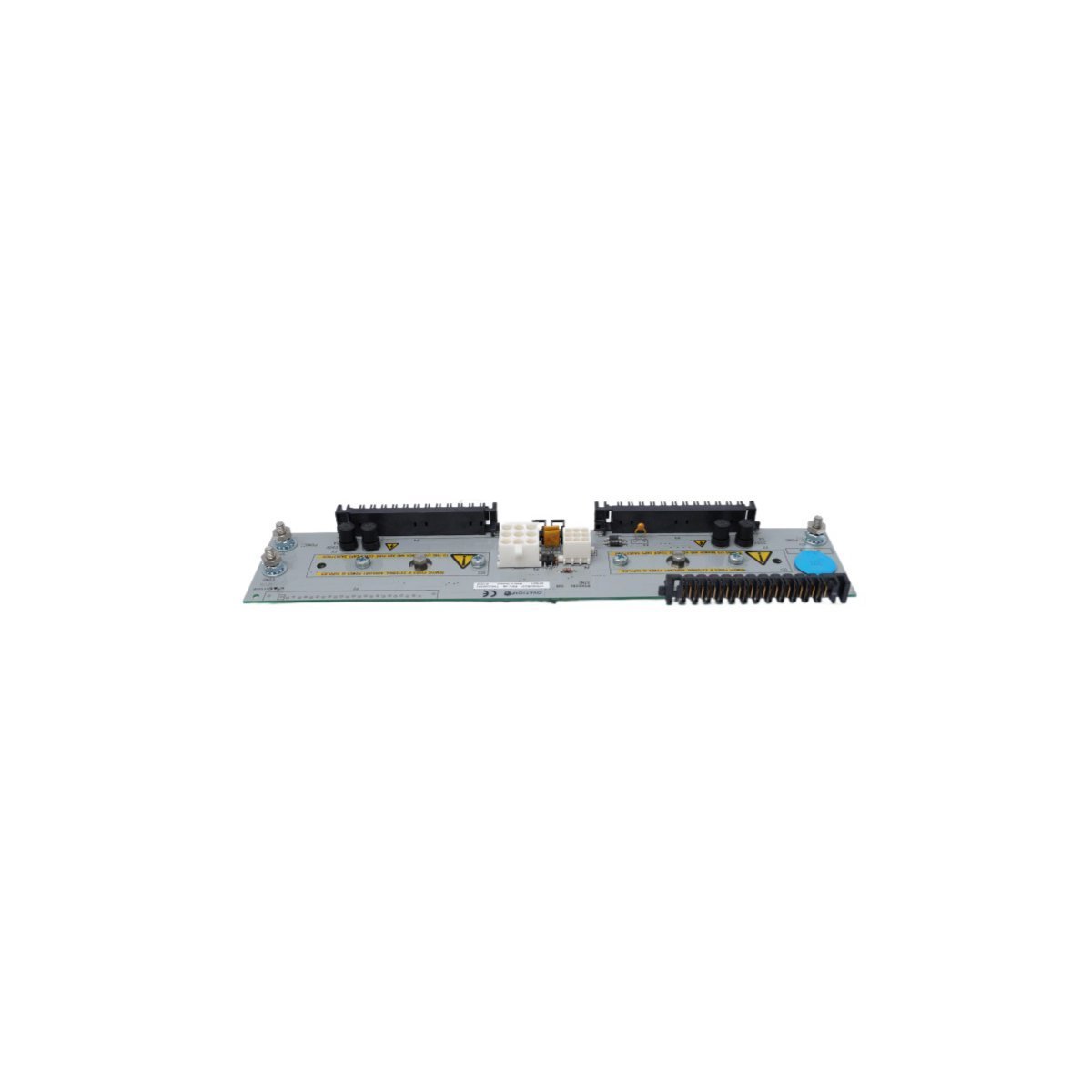
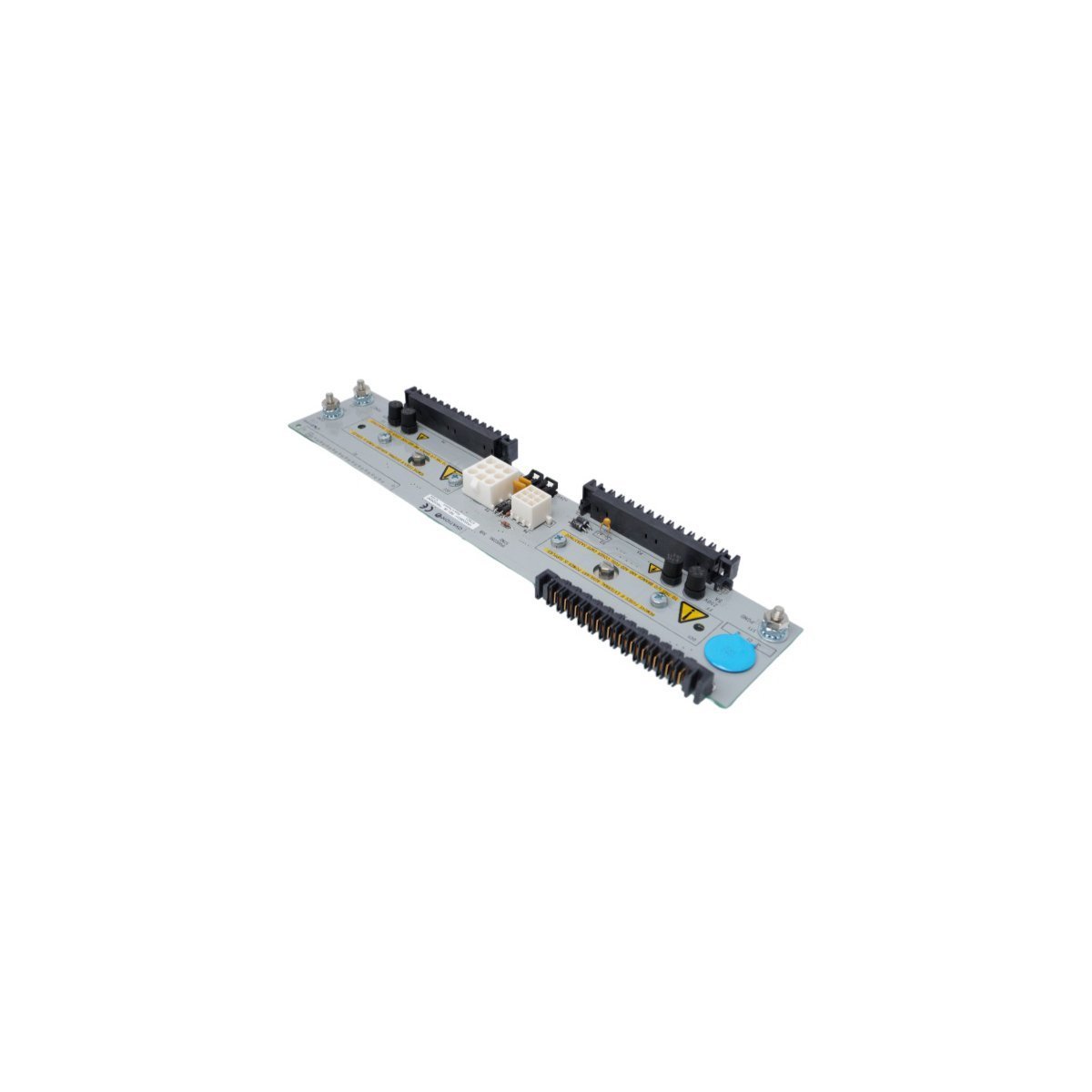
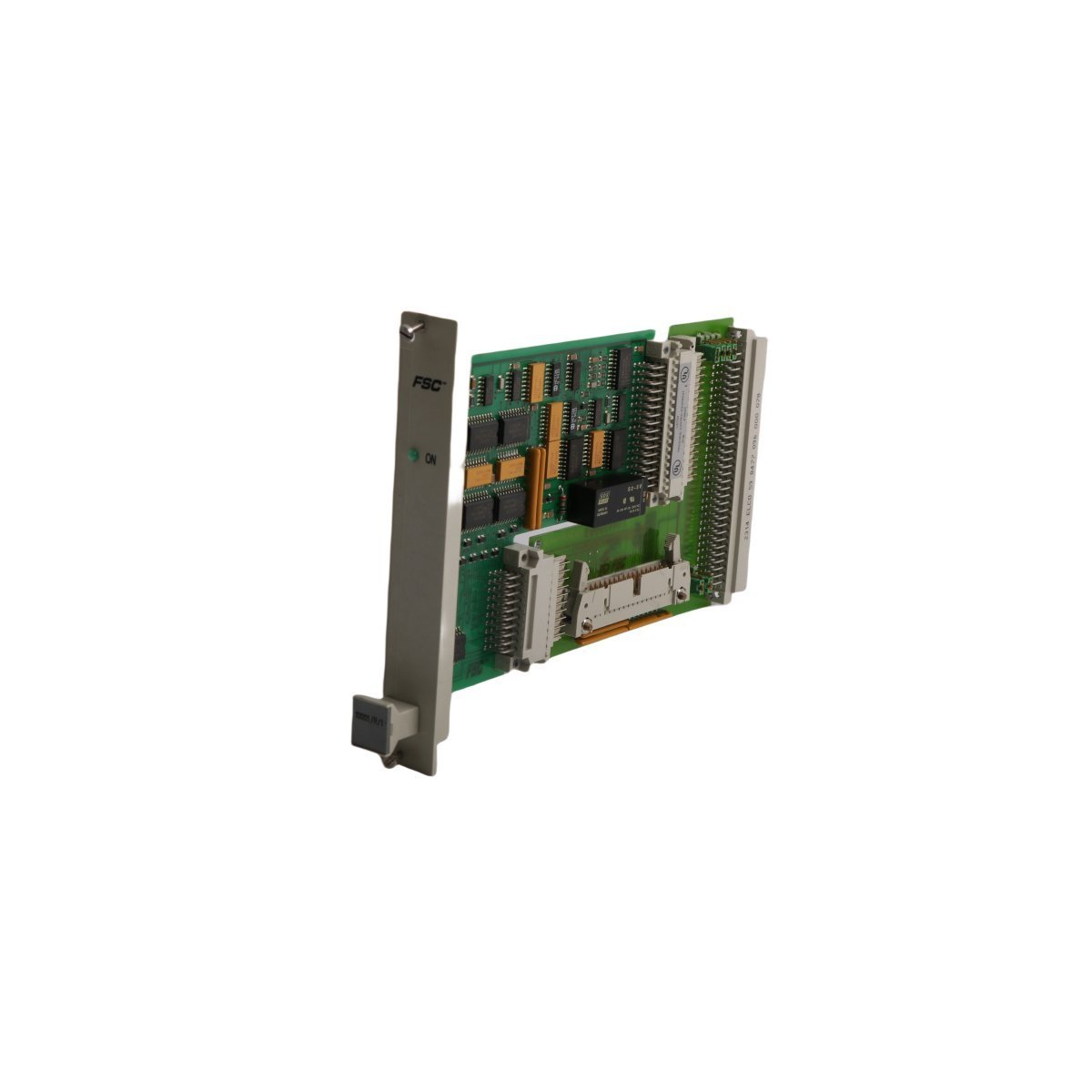
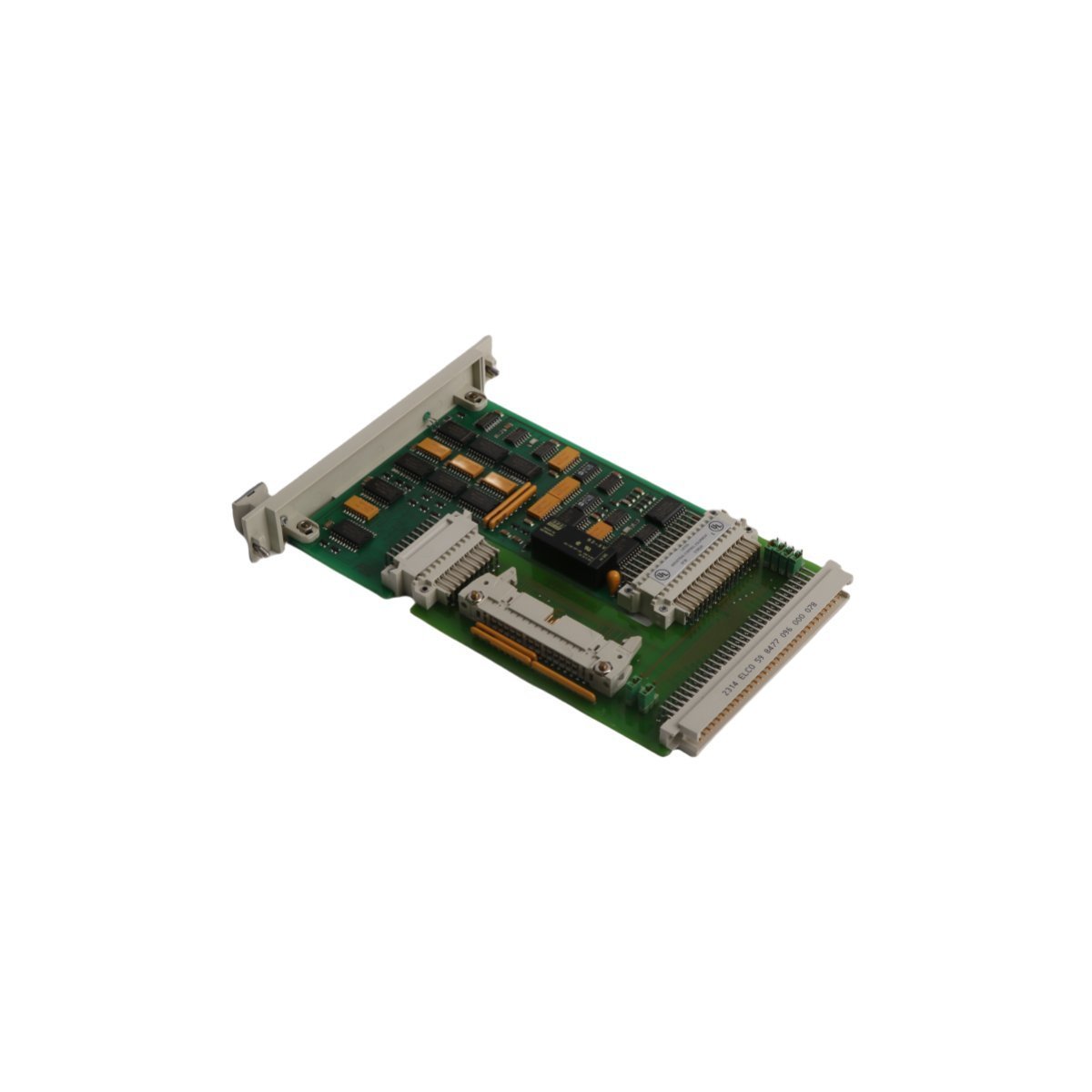
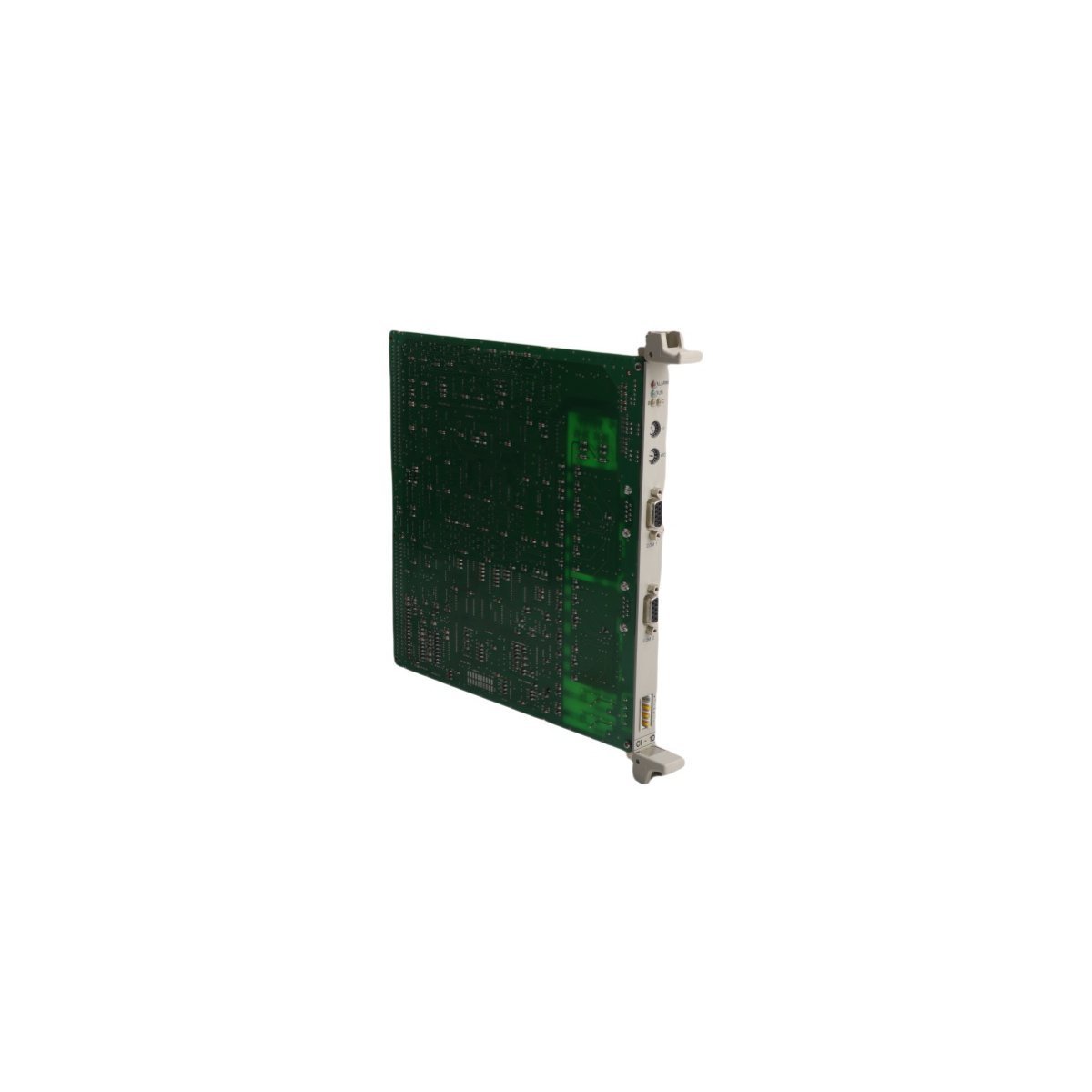
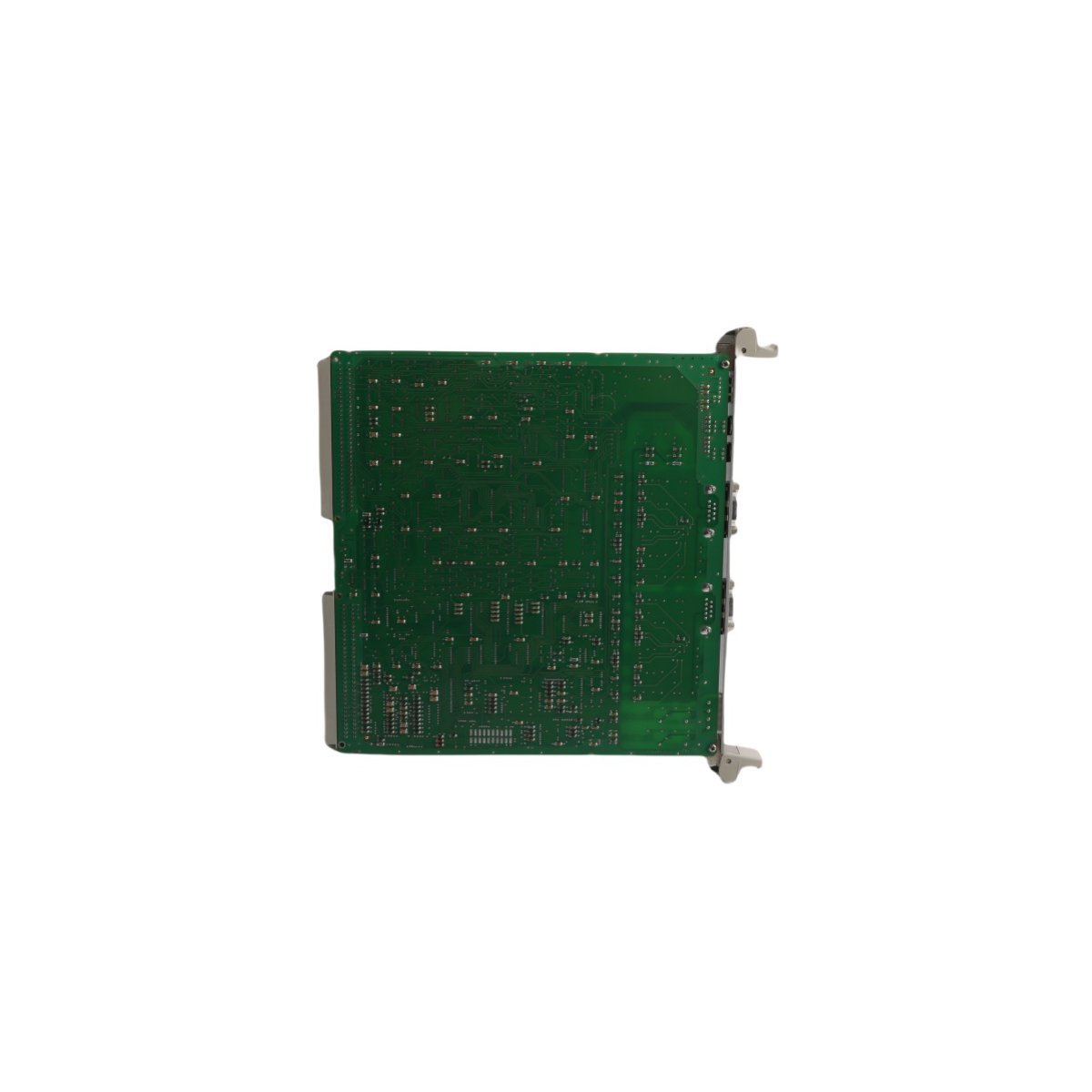
Emerson DeltaV M-series Localbus Right Extender card (KJ4010X1-BG1 / 12P0830X072) for distributed control systems. Brand new original stock, fully verified with priority shipping options.

The Emerson DeltaVâ„¢ KJ4010X1-BG1 (part number 12P0830X072 / 12P1867X012) is a Localbus Right Extender module belonging to the DeltaV M-series I/O Subsystem. It functions as a physical and electrical bridge on the hardware backplane, allowing the passive expansion of the internal Localbus to a subsequent row of I/O carrier rails.

This module enables seamless scaling of the Distributed Control System (DCS) architecture to accommodate additional I/O modules and communication interfaces without introducing communication lag or signal degradation.

Hardware Specifications

ParameterSpecification
Model NumberKJ4010X1-BG1
Part Number(s)12P0830X072 / 12P1867X012
ManufacturerEmerson Automation Solutions
Product RangeDeltaV M-series I/O Subsystem
Module TypeLocalbus Right Extender
System CategoryDistributed Control System (DCS) Component
Physical Weight0.15 kg (0.33 lbs)
Physical Dimensions16.8 x 4.2 x 4.4 cm
Discontinuation DateDecember 31, 2018 (Legacy / Replacement Support)
HS Code8537101190

Localbus Extension Architecture

Within a DeltaV M-series chassis configuration, a single carrier controller slot can natively address a specific span of local I/O modules. When the horizontal physical limit of a single enclosure or mounting rail is reached, the Localbus must be extended down to a new rail segment.

The KJ4010X1-BG1 snaps onto the rightmost edge of the sending carrier rail. It interfaces with a corresponding Left Extender module on the subsequent rail segment via an external, shielded expansion cable, maintaining signal integrity over the expanded physical distance.

Key Architectural Characteristics

  • Transparent Signal Routine: The module acts as a passive-pass-through buffer. To the DeltaV controller firmware, modules residing on the extended rail appear natively on the local bus scan without requiring complex router parameters or subnet configurations.
  • Industrial Hardening: Constructed with robust internal trace insulation to withstand the high vibrations, electronic noise (EMI), and wide temperature swings typical of heavy process environments like oil refining, chemical processing, and power generation.

Frequently Asked Questions

  • Q: Does the KJ4010X1-BG1 require a separate software license or configuration within DeltaV Explorer?
    • A: No. The Right Extender is an unmanaged physical layer infrastructure piece. It does not occupy a software node address or require explicit configuration in the DeltaV Explorer system tree. It automatically enables the controller to sense the additional slots on the next rail section.
  • Q: Can this module be unplugged or hot-swapped while the process line is actively running?
    • A: No. Unplugging a Localbus Extender while the system is powered will instantly drop communication to all I/O modules downstream on the extended carriers. This will trigger an immediate “Bad Status” condition on those channels, likely causing the master controller to command safety interlock states or process shutdowns.

Field Installation Guidelines

  1. Remove Main Power: Shut down power to the entire carrier assembly rack section before attaching or removing expansion hardware to eliminate any risk of short circuits across the backplane pins.
  2. Mount to Rail: Guide the module onto the rightmost position of the M-series carrier interface. Press straight back vertically until the mechanical DIN rail retention clip clicks firmly into place.
  3. Inspect Pins: Ensure that the side-plane male plug on the extender mates squarely with the female receptacle of the adjacent I/O slot module.
  4. Secure Expansion Cable: Insert the certified DeltaV bus expansion cable into the front face plug of the KJ4010X1-BG1. Tighten the integrated retaining thumb screws to guarantee a secure, vibration-resistant connection.
  5. Establish Shield Grounding: Verify that the cable’s outer shield drain wire connects properly with the carrier rail ground to suppress industrial high-frequency interference.