Sale!
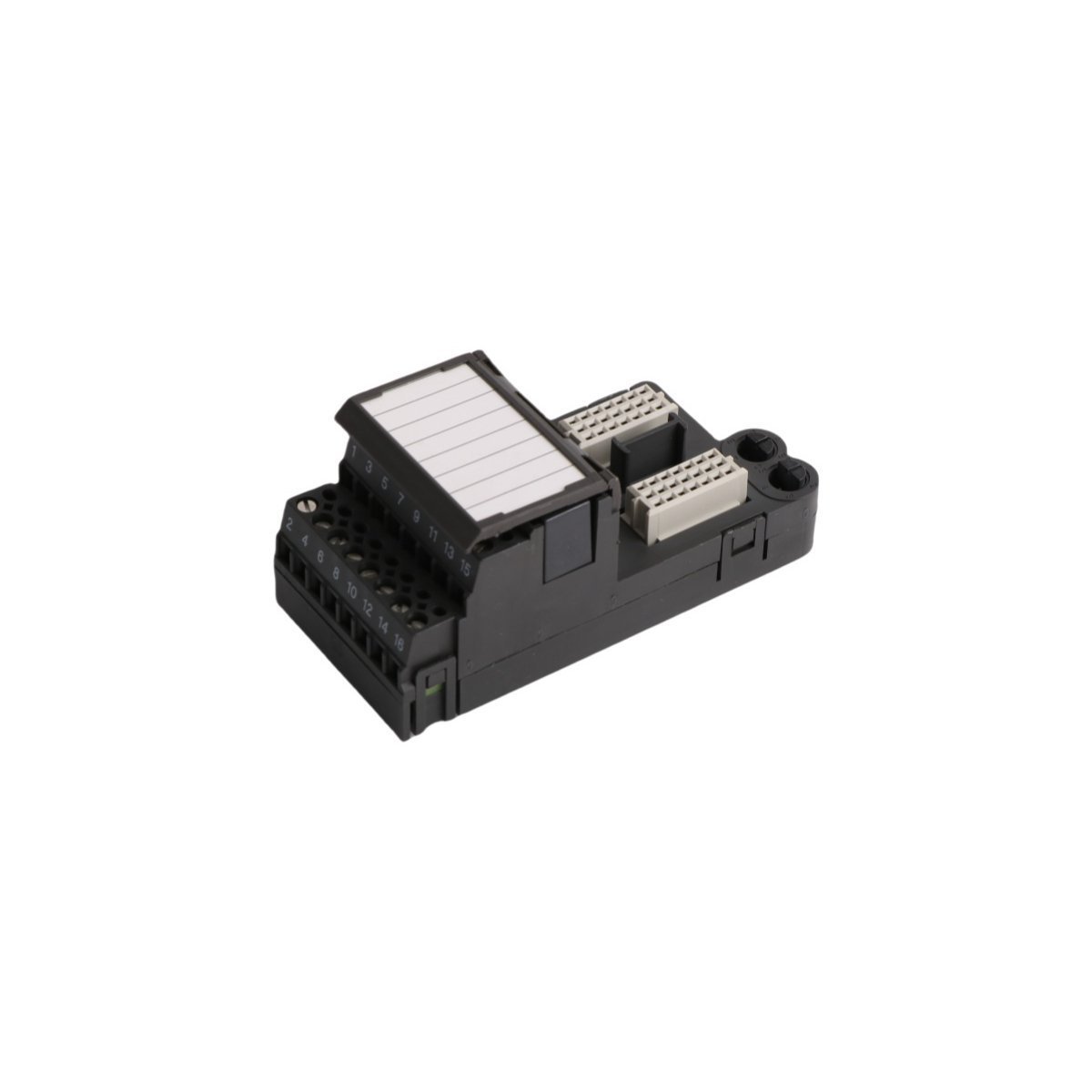
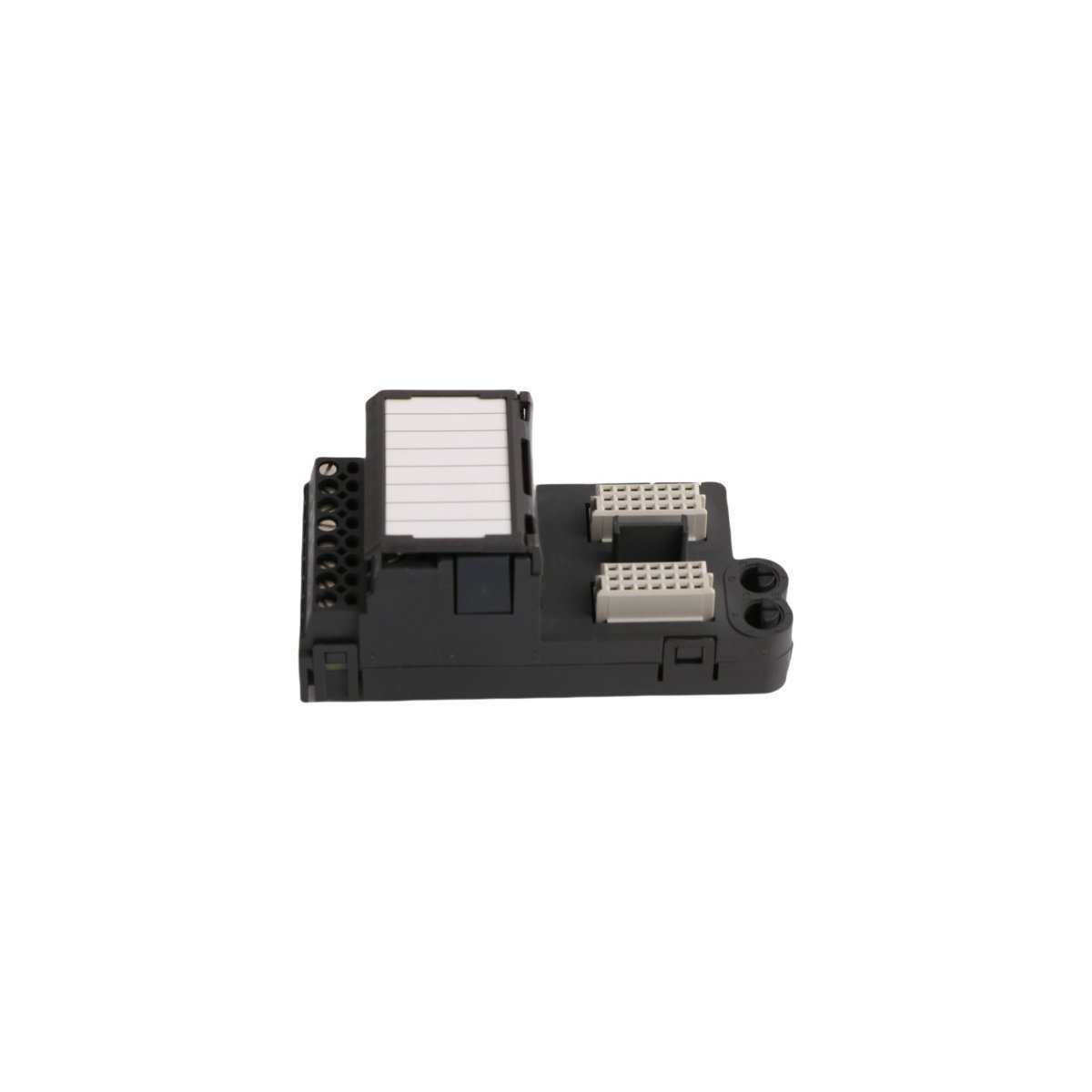
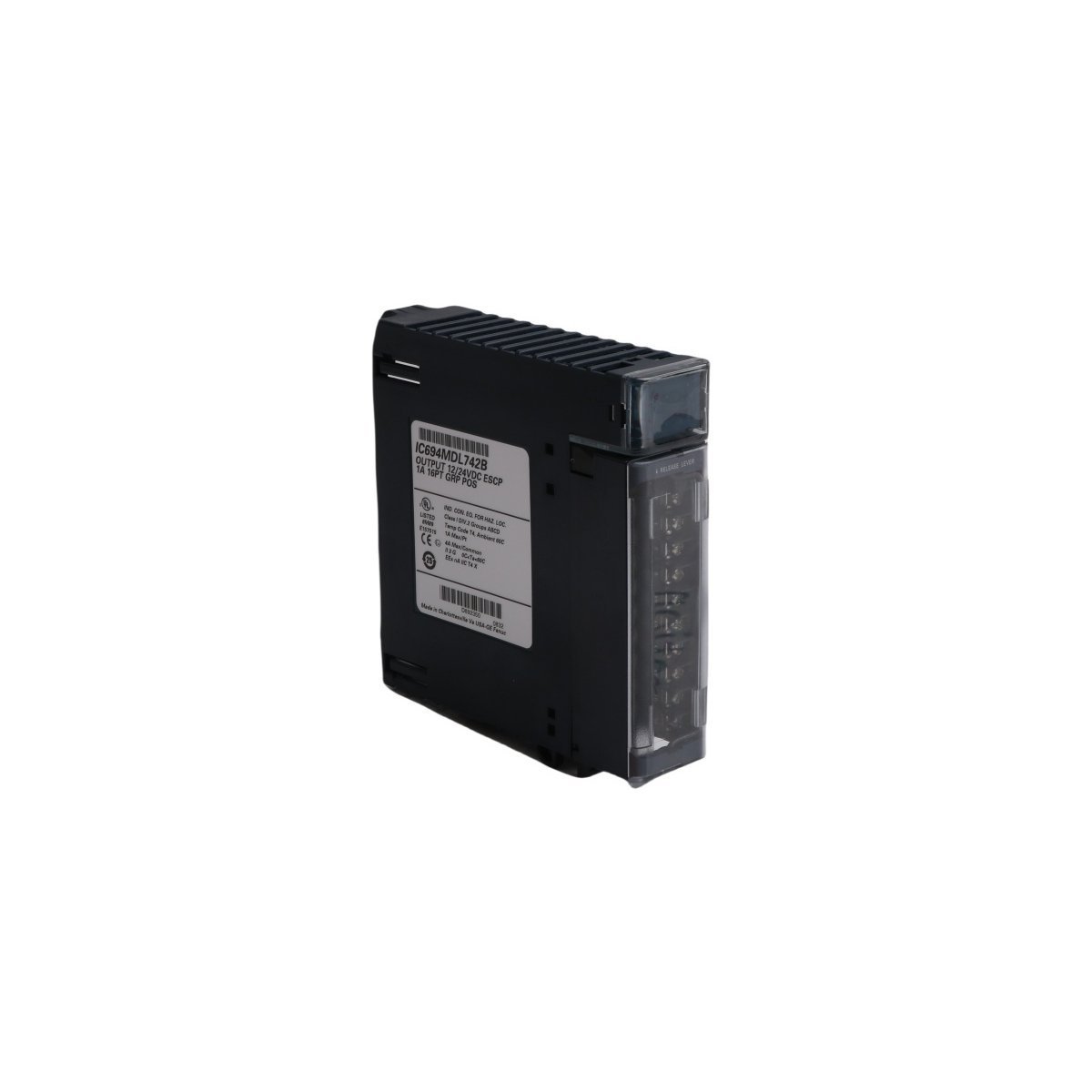
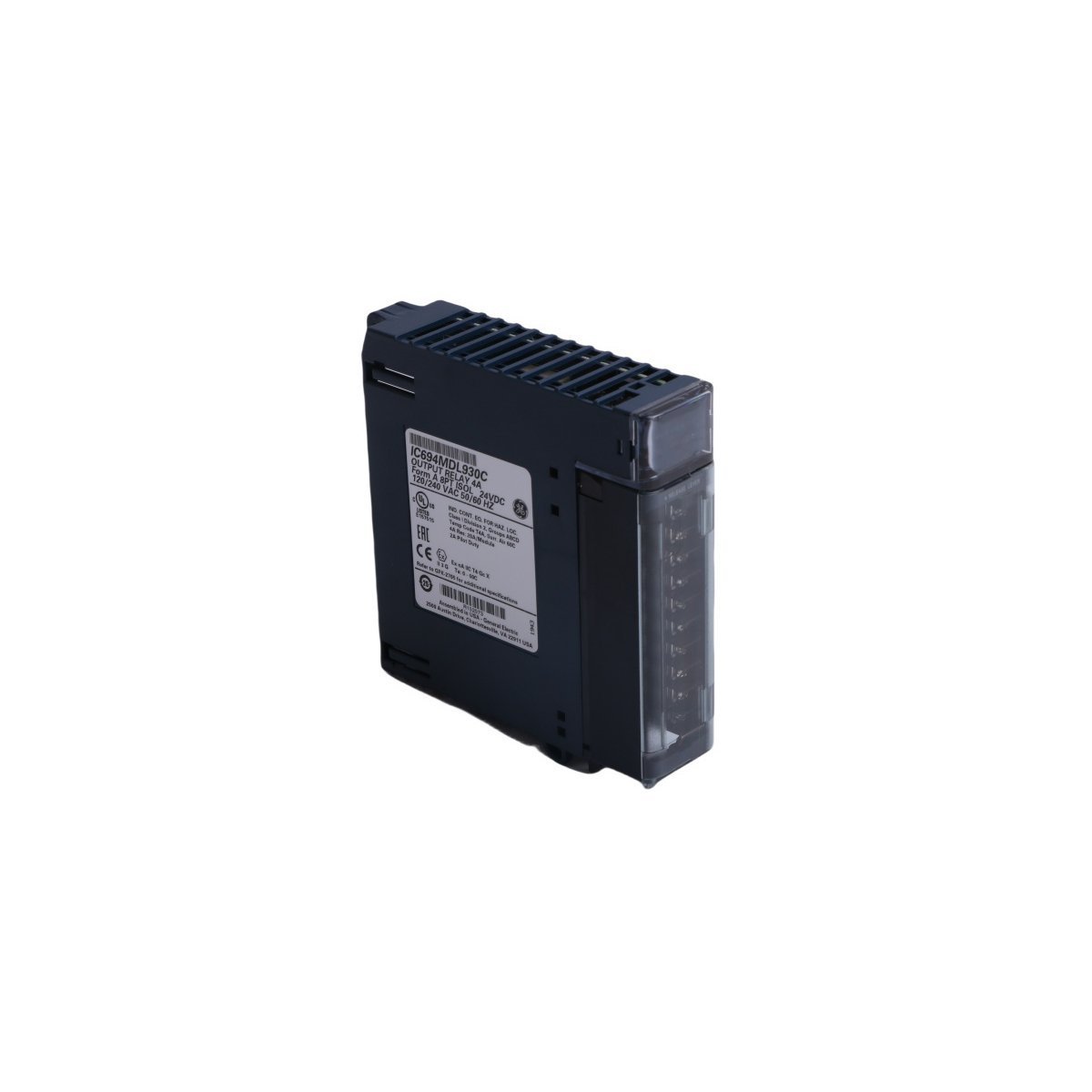
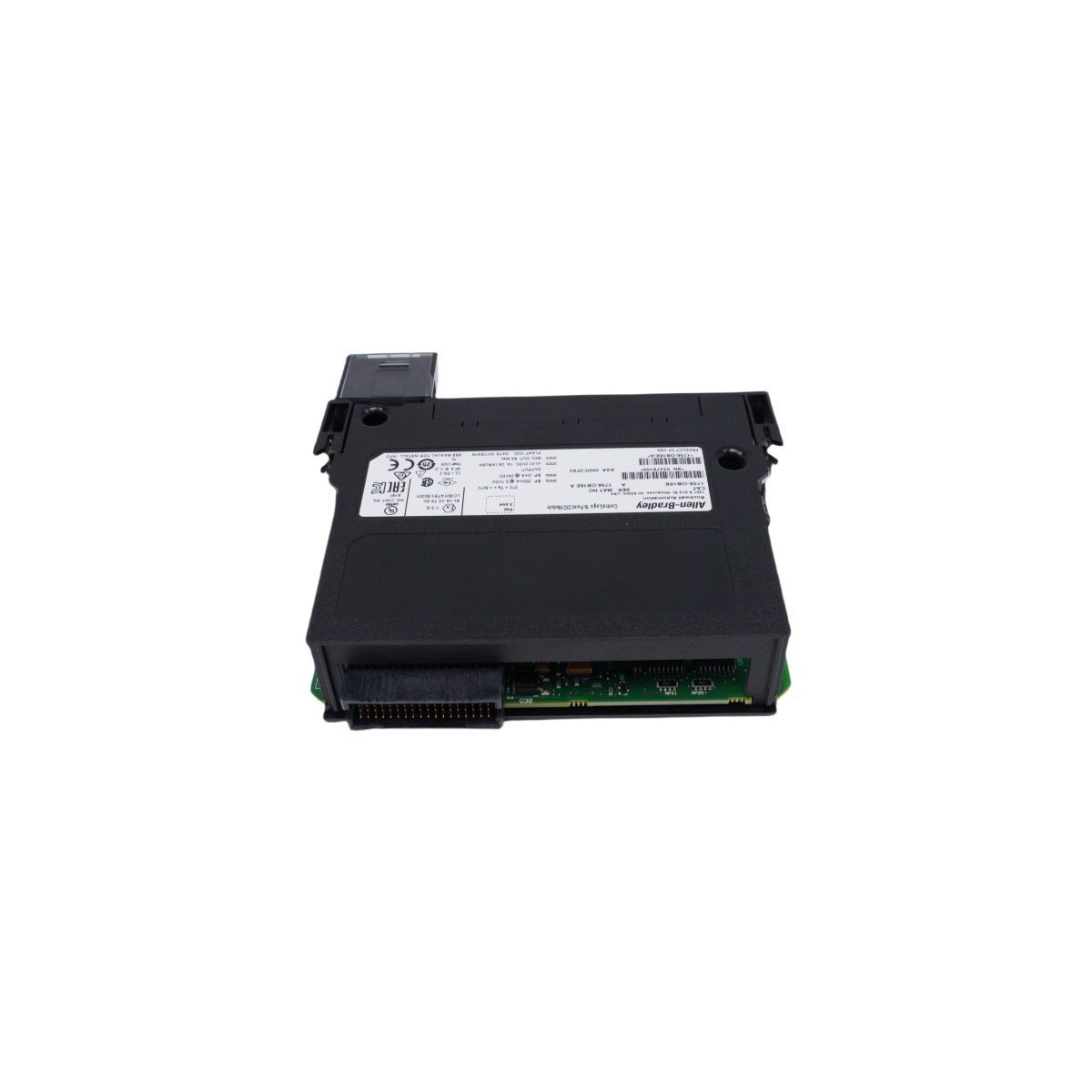
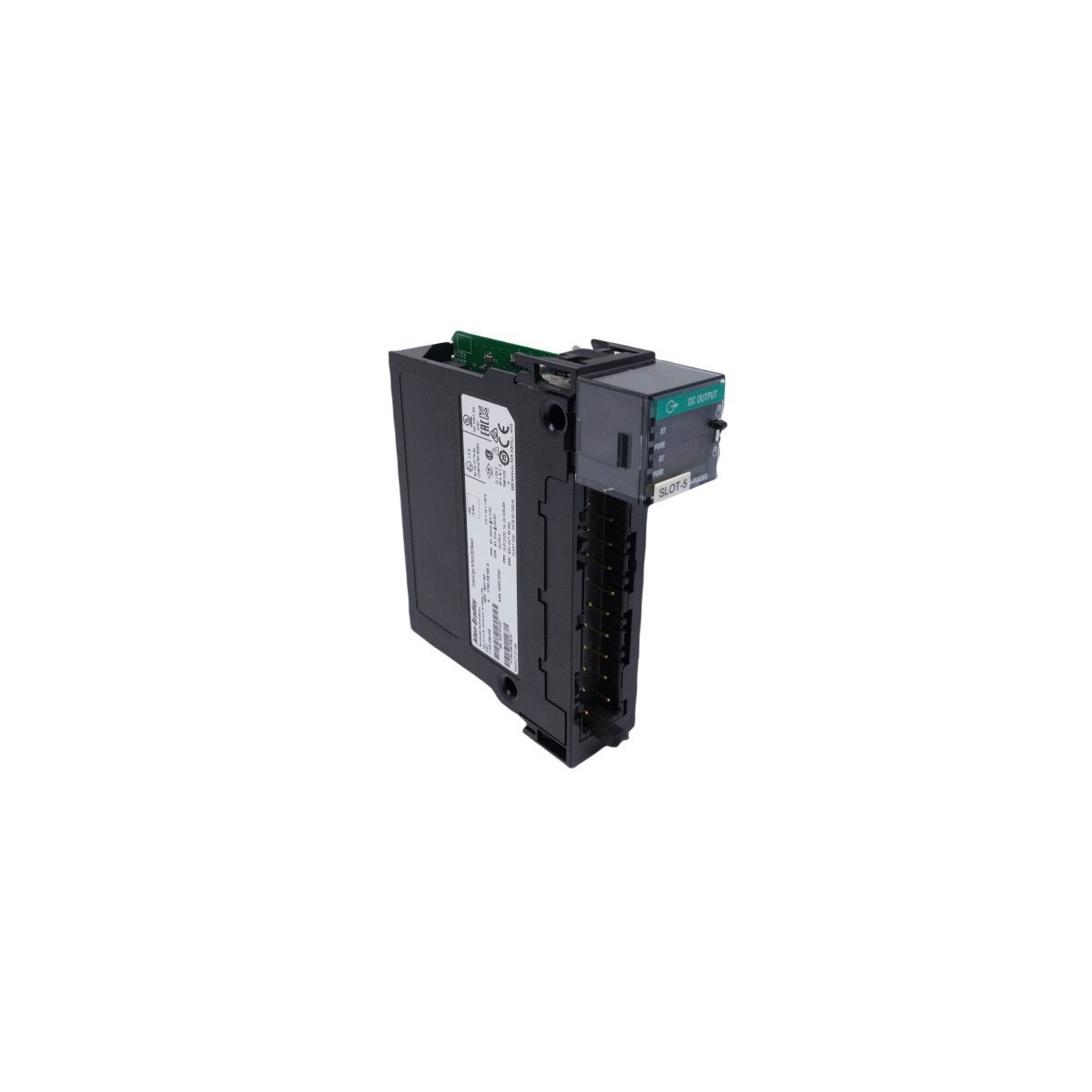
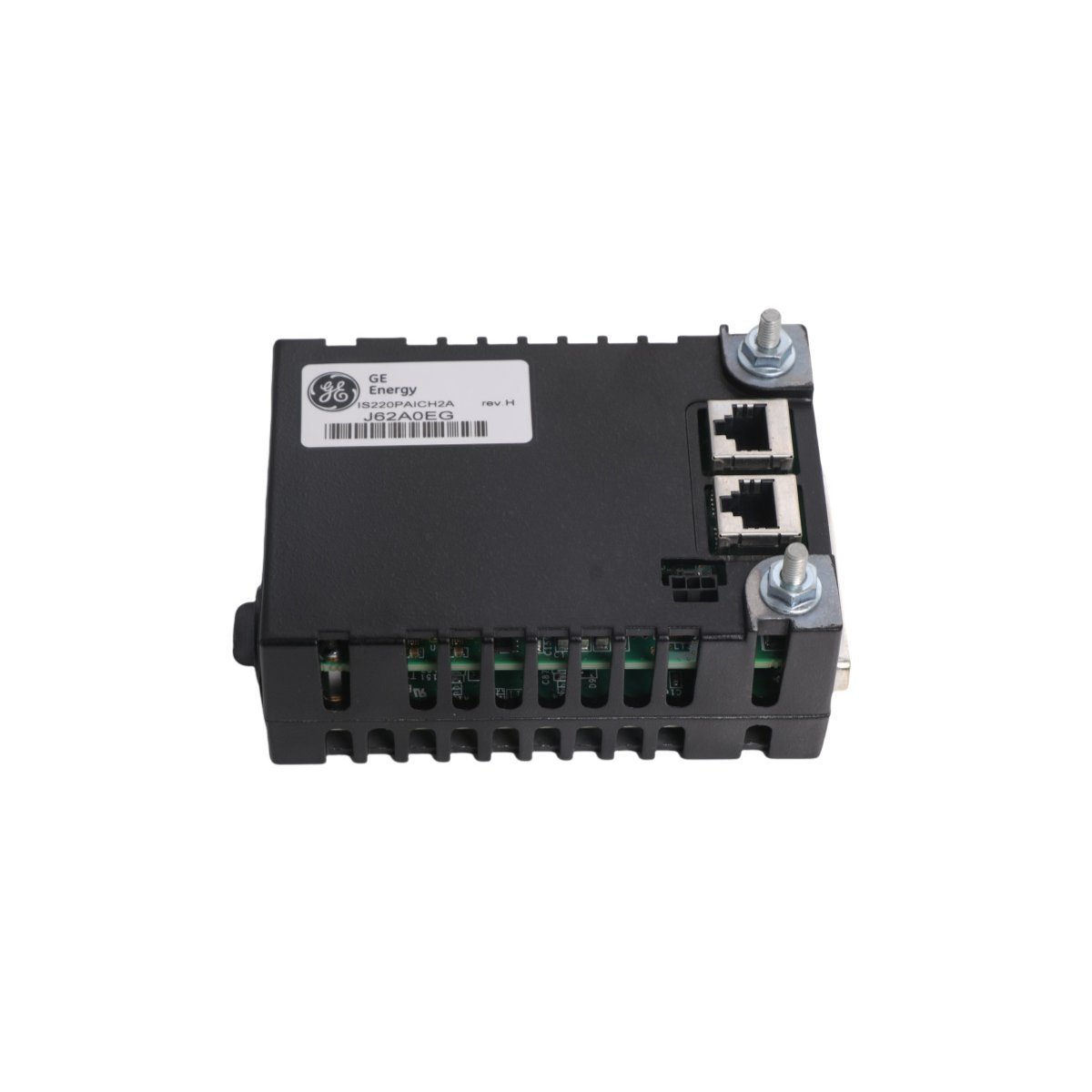
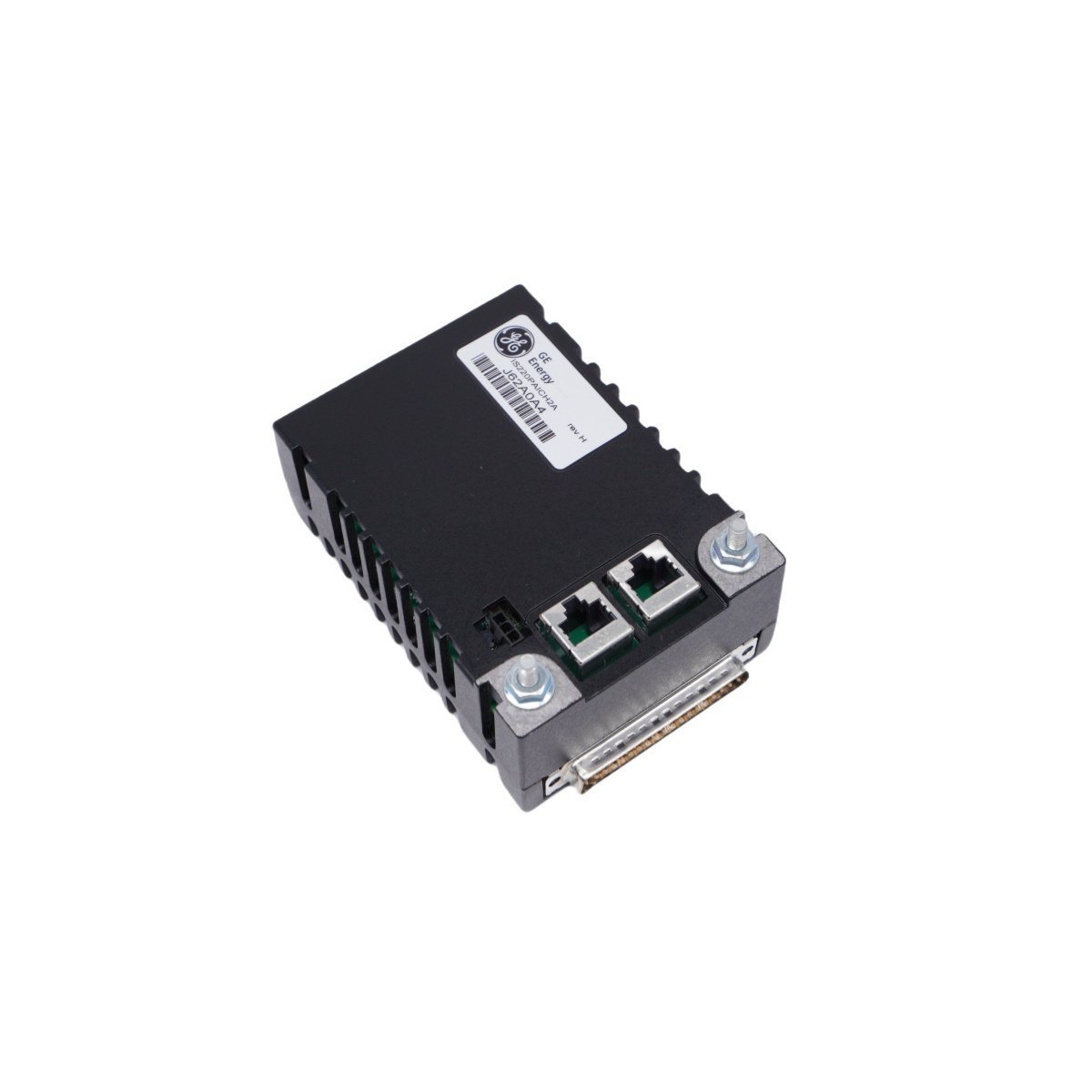
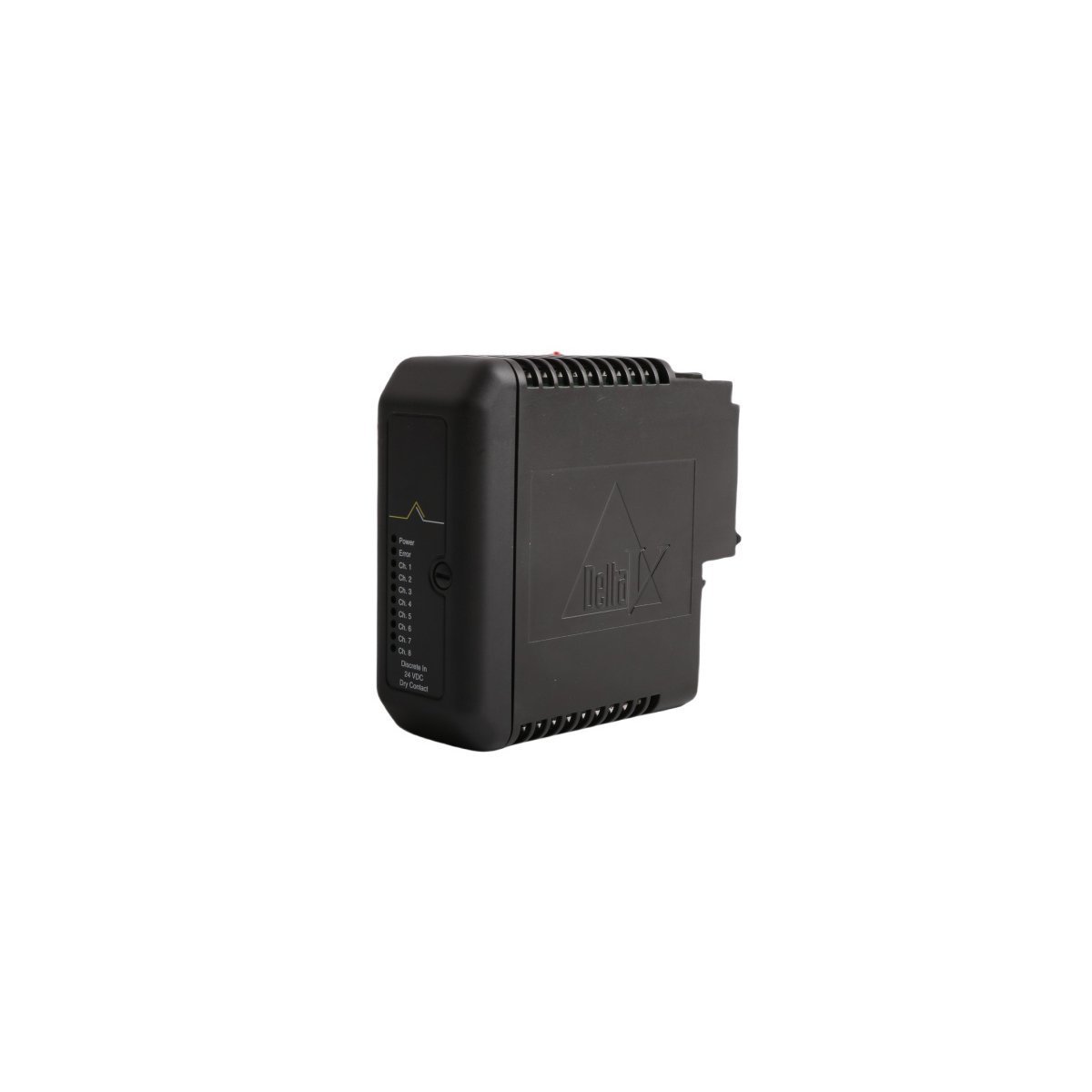
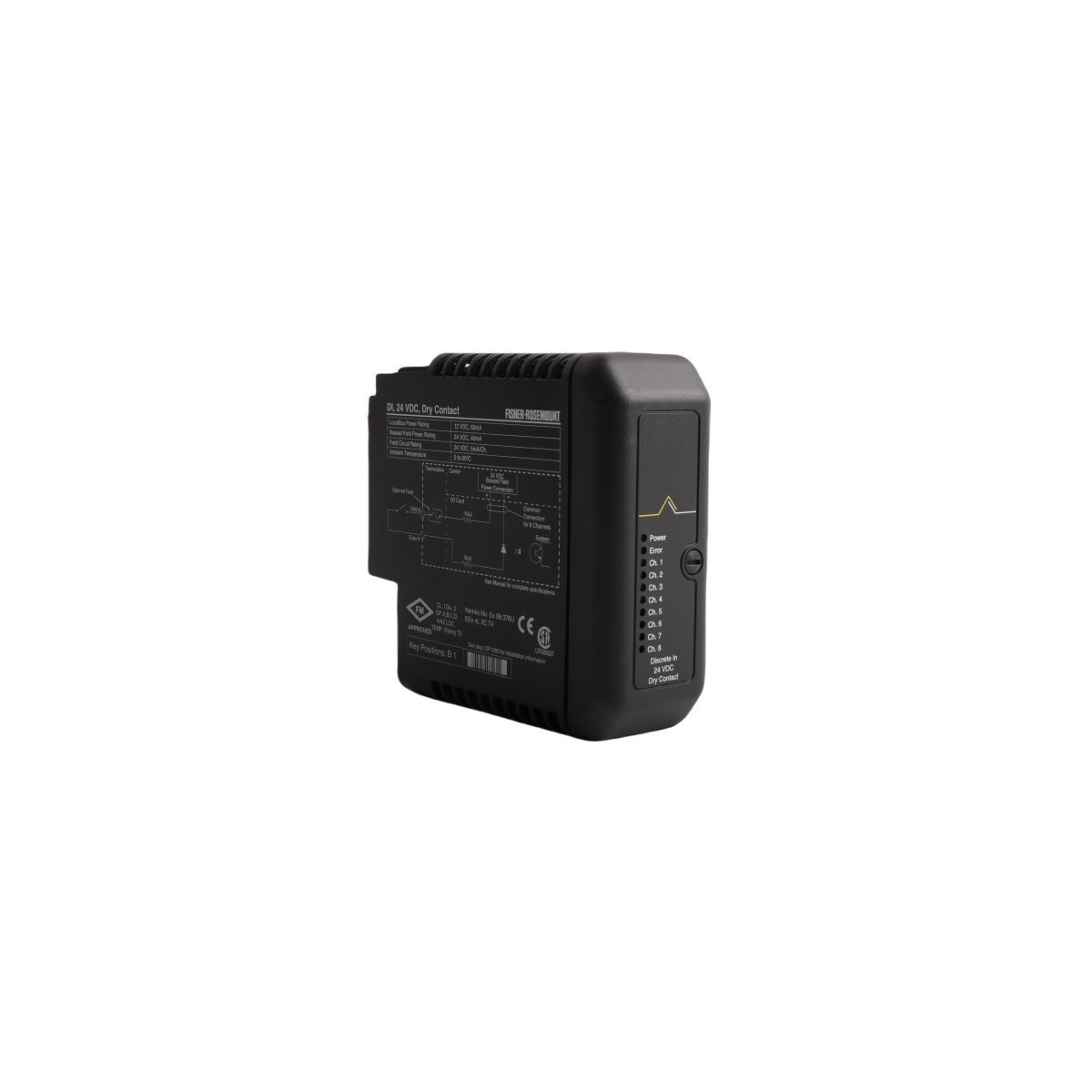
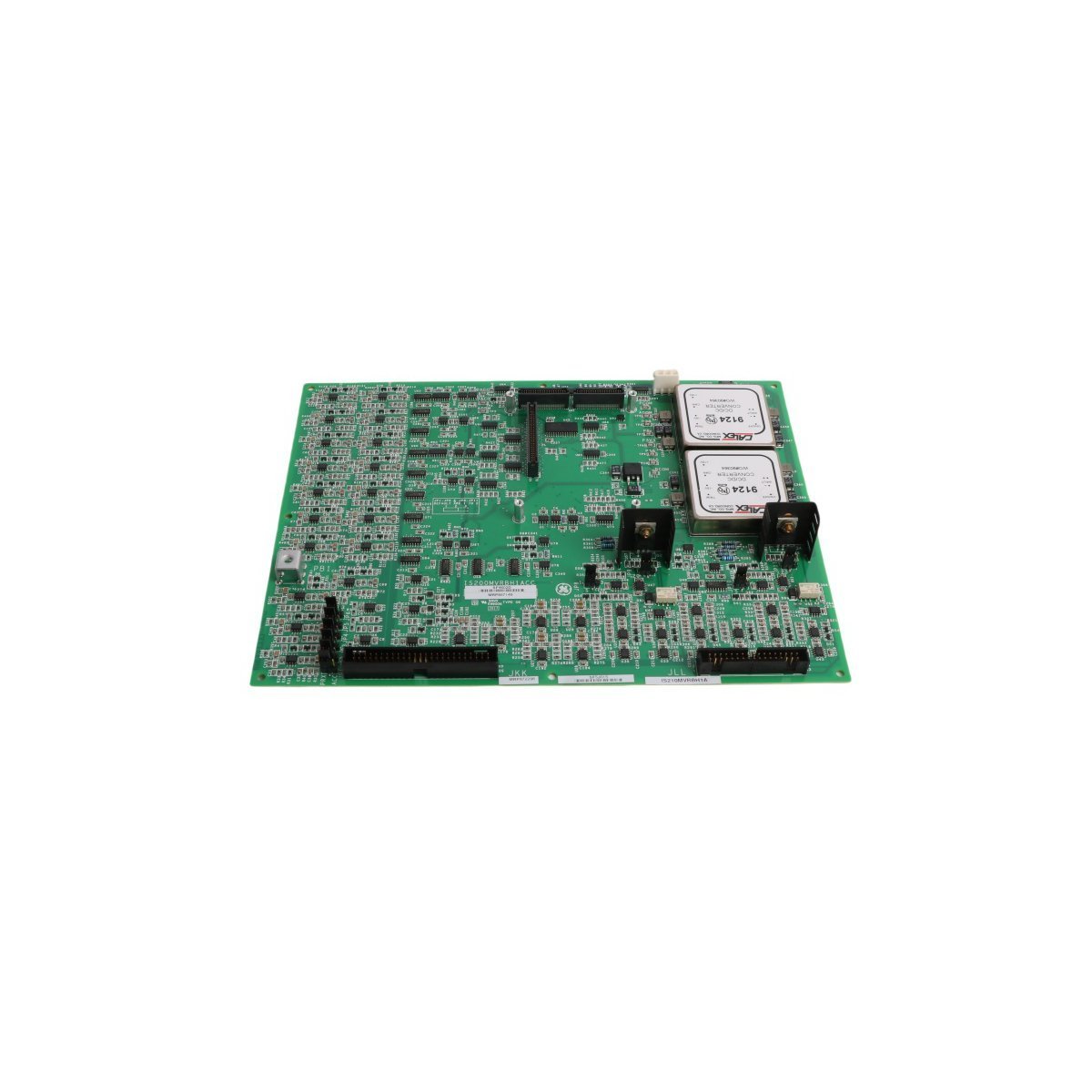
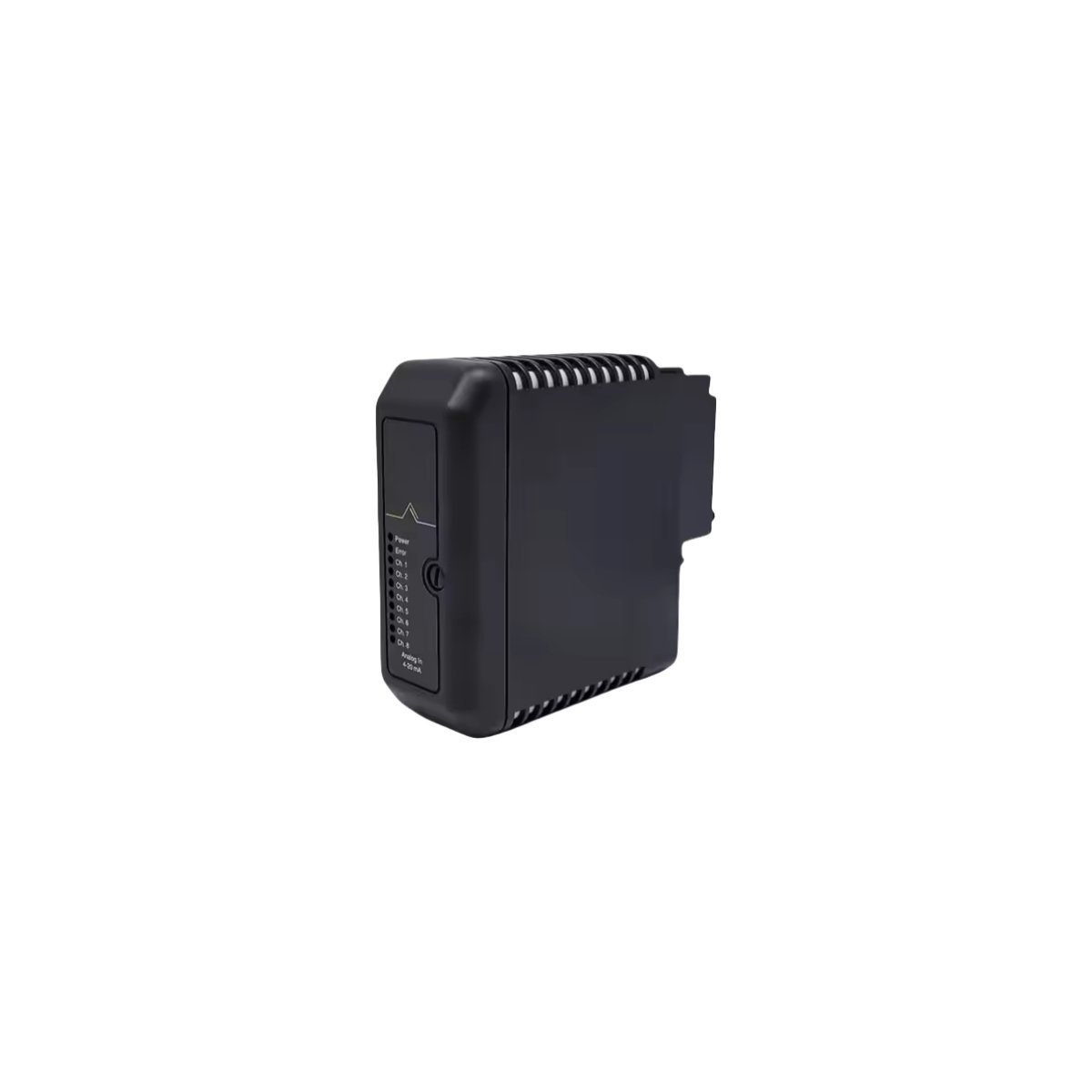
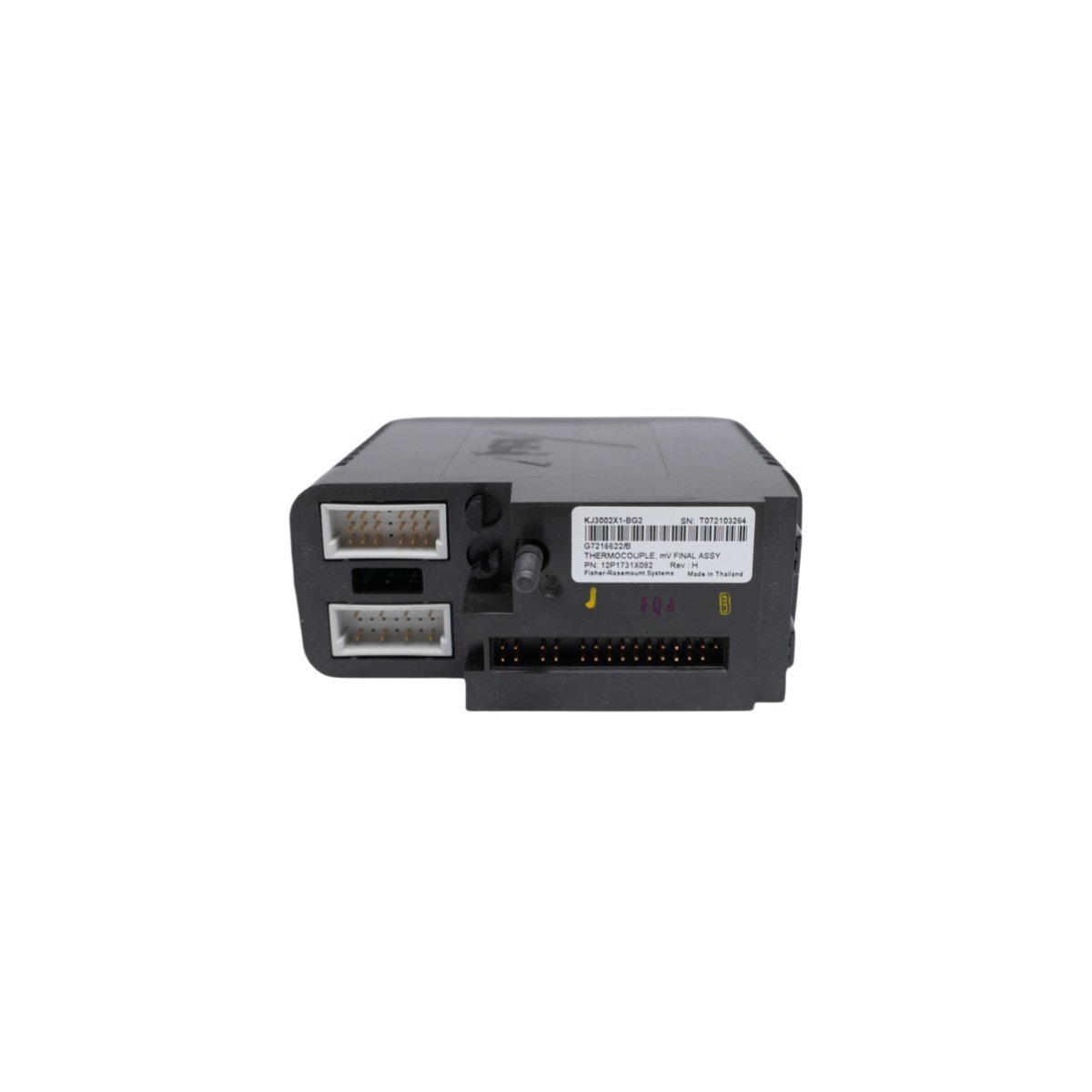
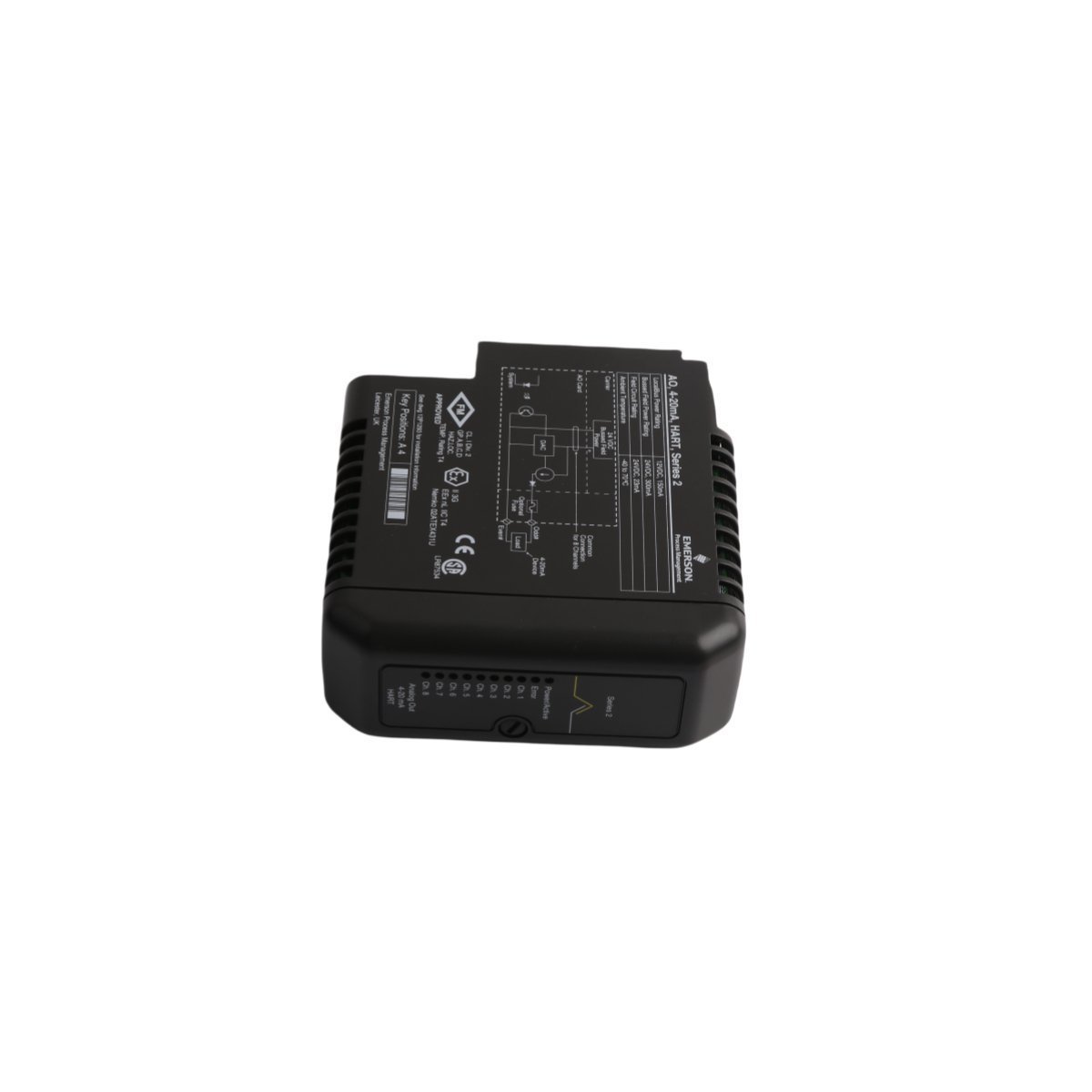
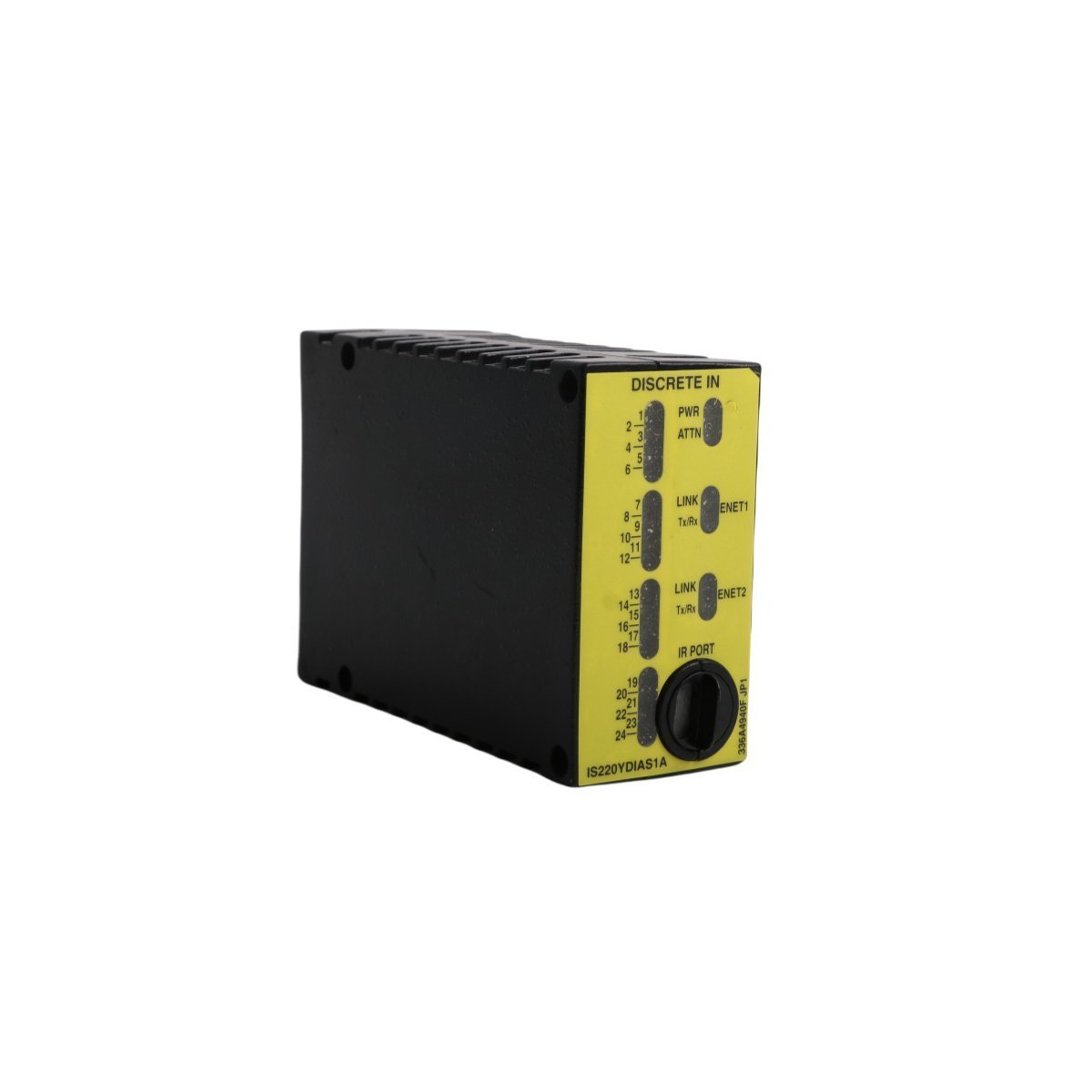
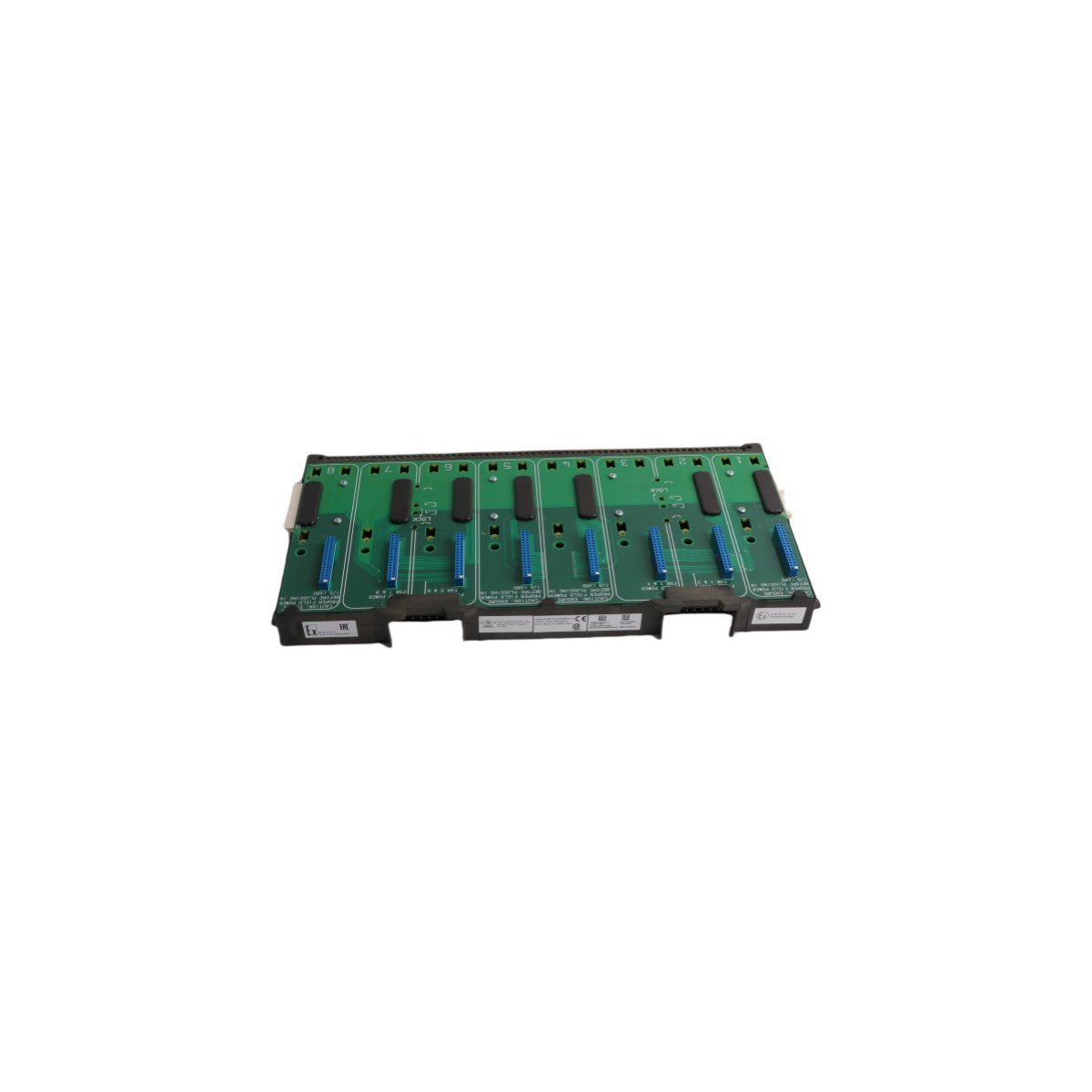
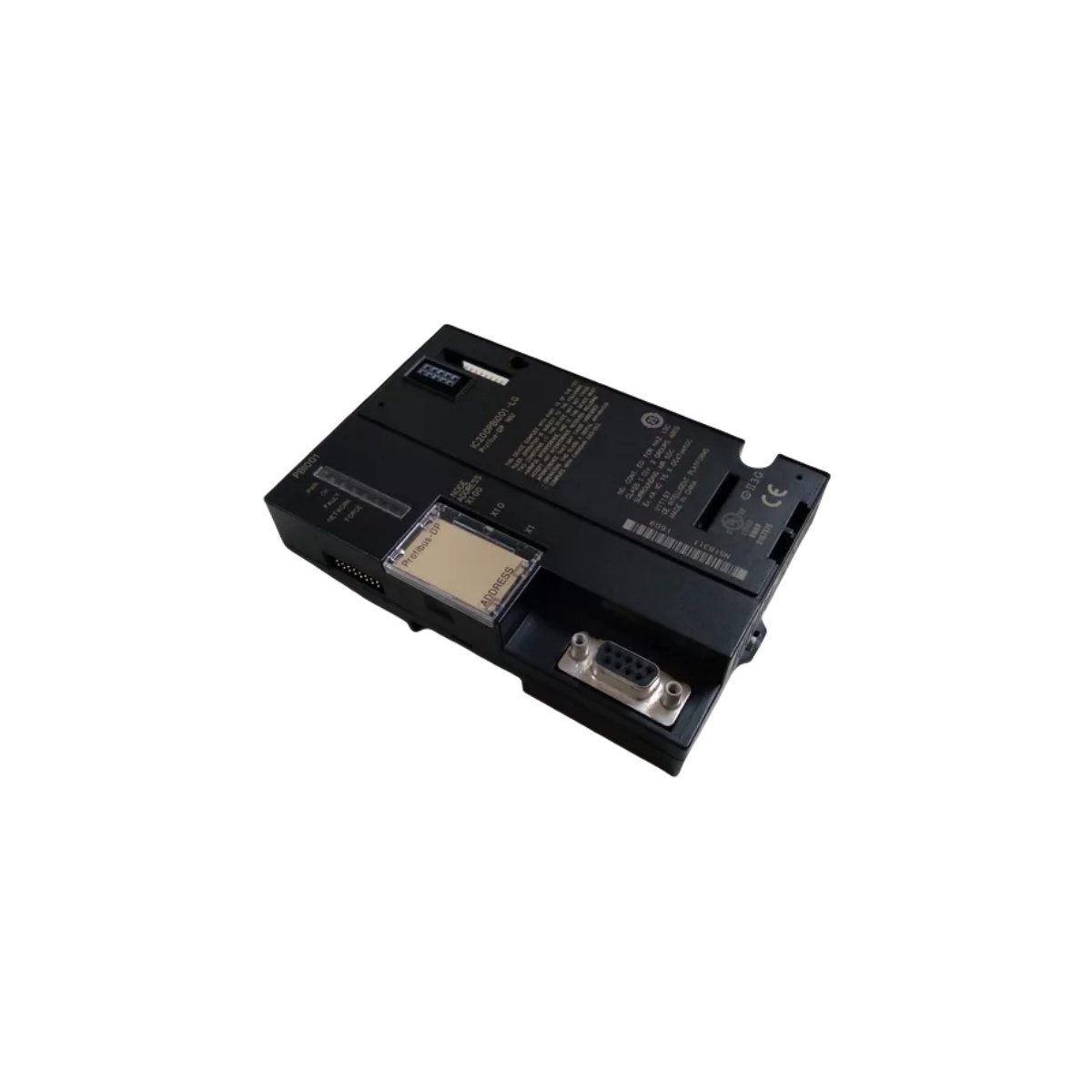
Emerson KJ4001X1-CA1 12P0623X072 I/O Terminal Block
Configured for signal distribution in DeltaV M-series I/O Subsystem networks, the Emerson KJ4001X1-CA1 12P0623X072 (KJ4001X1-CA1 4-Wire Terminal Block) provides direct physical/electrical execution.
Suffix Breakdown & Model Matrix
| Model | Description |
|---|---|
| KJ4001X1-CA1 | DeltaV M-series 4-wire termination component |
| 12P0623X072 | Internal Emerson factory manufacturing reference code |
Hardware Specifications
| Parameter | Specification |
|---|---|
| Model | KJ4001X1-CA1 |
| Brand | Emerson |
| Origin | USA |
| Weight | 0.1 kg |
| Dimensions | 5.1 x 7.6 x 5.1 cm |
| Operating Temp | -20 to 60 deg C |
| Power Consumption | Passive component |
| System Compatibility | DeltaV M-series I/O Subsystem |
Process Control & Connectivity
The KJ4001X1-CA1 functions as a passive interconnect interface within the DeltaV DCS architecture and facilitates direct field-to-I/O card connectivity. This terminal block secures 4-wire field signal connections and ensures consistent electrical continuity for both analog and discrete signal loops. Field engineers must follow DeltaV backplane wiring standards to maintain signal integrity and prevent impedance mismatches throughout the control loop. The design accommodates high-density terminal mounting and provides a structured physical path for 4-20 mA HART loop protocol signals, which standard process instrumentation requires.
Frequently Asked Questions
Q: Does the KJ4001X1-CA1 terminal block require external power for operation?A: No, this is a passive component. It functions solely as a physical connection interface for field wiring to the I/O subsystem backplane.Q: Is this module compatible with live field-wiring replacement?A: The terminal block supports field-wiring termination maintenance, but users must ensure the associated I/O card is powered down or in a safe state before disconnecting wiring to avoid accidental loops or short circuits.Field Installation Guidelines
- Mount the terminal block securely onto the designated DIN-rail within the DeltaV I/O carrier.
- Ensure all terminal screws are tightened to the torque specifications provided in the DeltaV installation manual to prevent high-resistance contact points.
- Verify wire gauges comply with terminal specifications to ensure mechanical stability.
- Maintain proper wire dressing and cable tie-down spacing to prevent mechanical stress on the terminal connectors.
- Ground the cable shields according to standard DCS loop-wiring practices to minimize electromagnetic interference (EMI) ingress into the analog signal path.